Share it on social media
9 min readUsers who arrive at your tour through social media are often more likely to buy it than those from any other channel. When you and your VoiceMap tours are easy to find on Instagram, Facebook, or YouTube, your tours feel more personal and trustworthy. This is especially helpful with new and potentially unfamiliar products like audio tour apps.
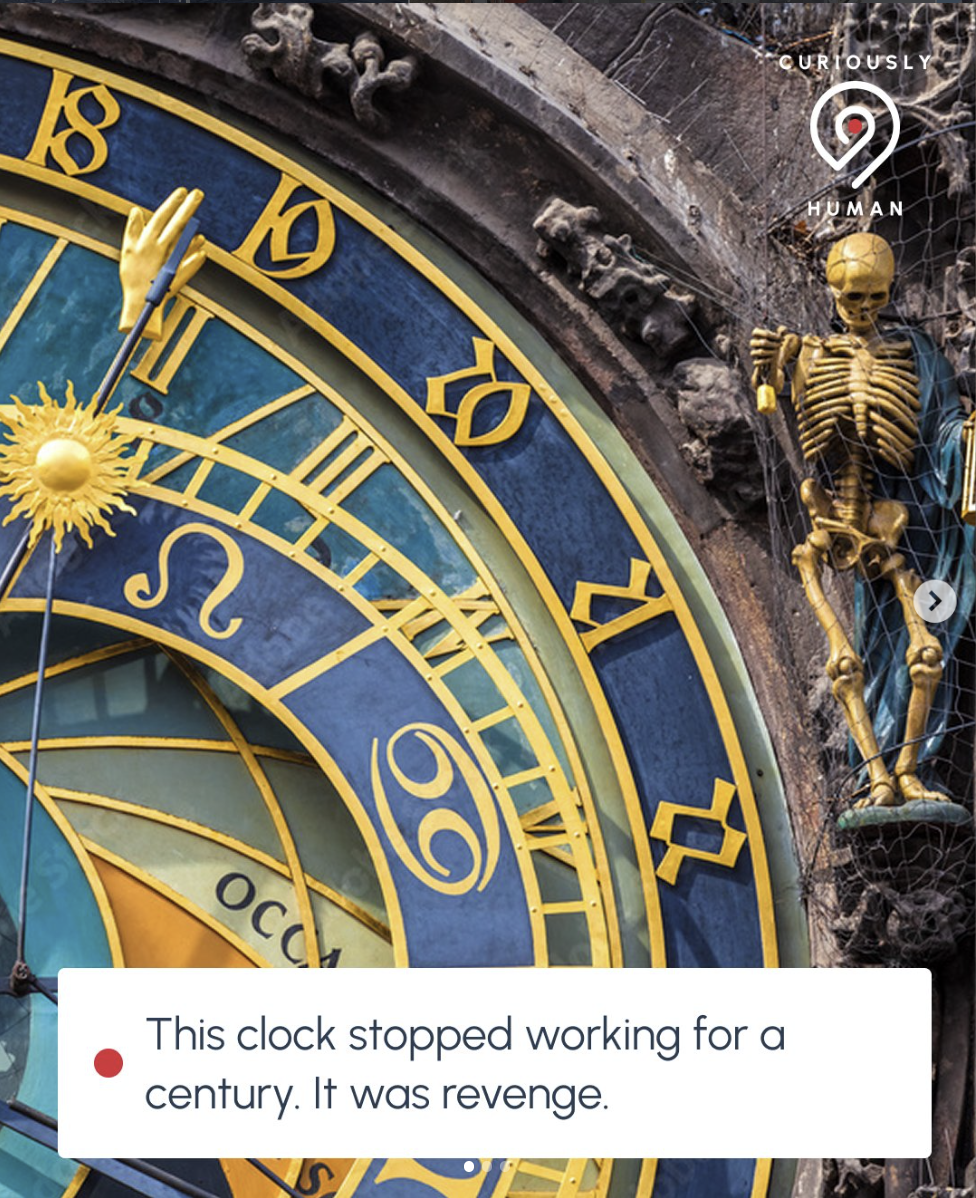
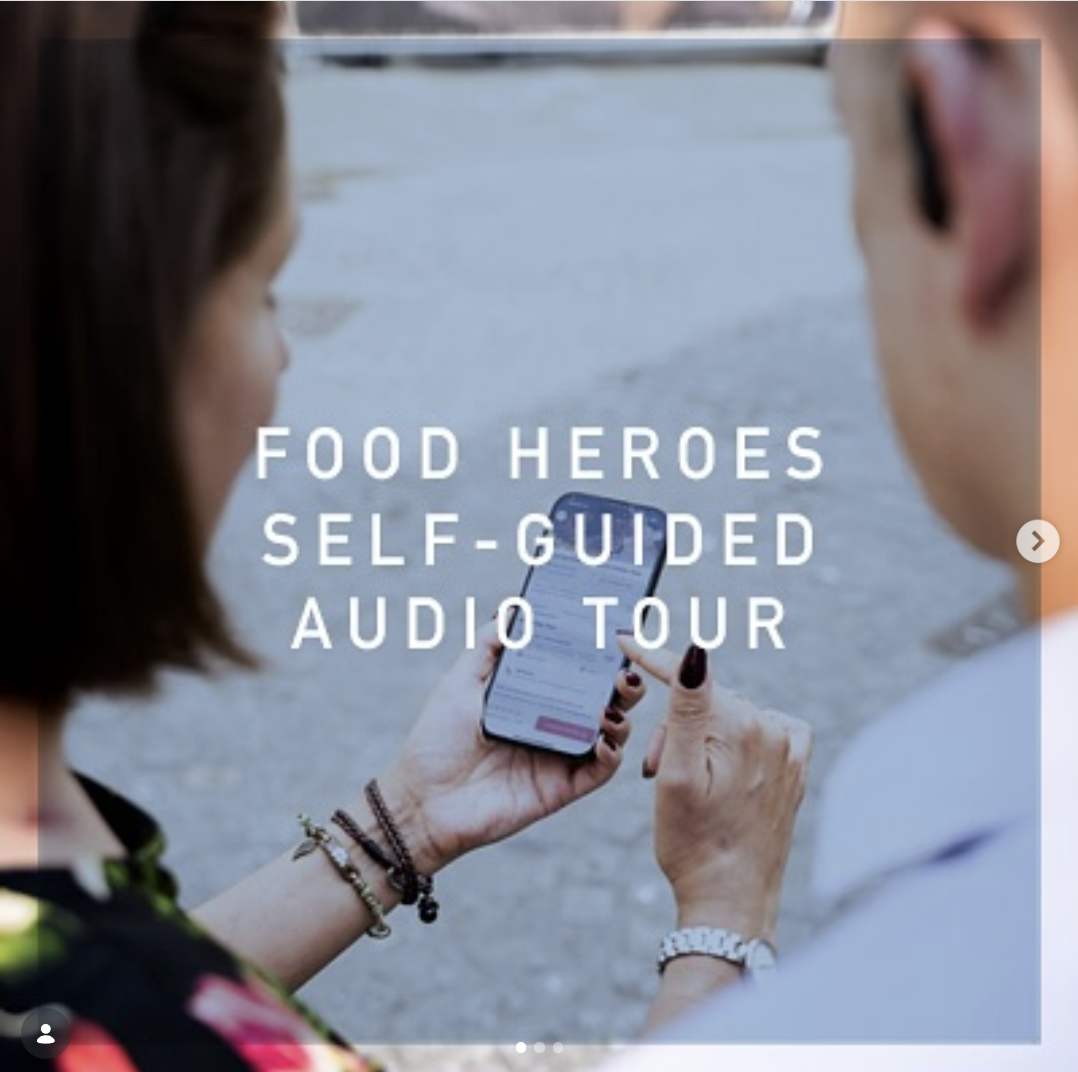
A question we get asked often is how to promote a tour without feeling like you’re constantly selling. The answer is to lead with curiosity. Start with a surprising fact, an unexpected detail, a question your tour answers, and frame it to create the feeling of discovery rather than a history lesson. Your audience might also not yet know what a self-guided audio tour is and how it works, so make sure to show the user experience through your posts and share the benefits of doing an audio tour.
You'll find suggestions and examples for all of this below, from general guidelines and platform-specific tips to collaborating with us on social content for VoiceMap's accounts.
 |
 |
 |
|---|---|---|
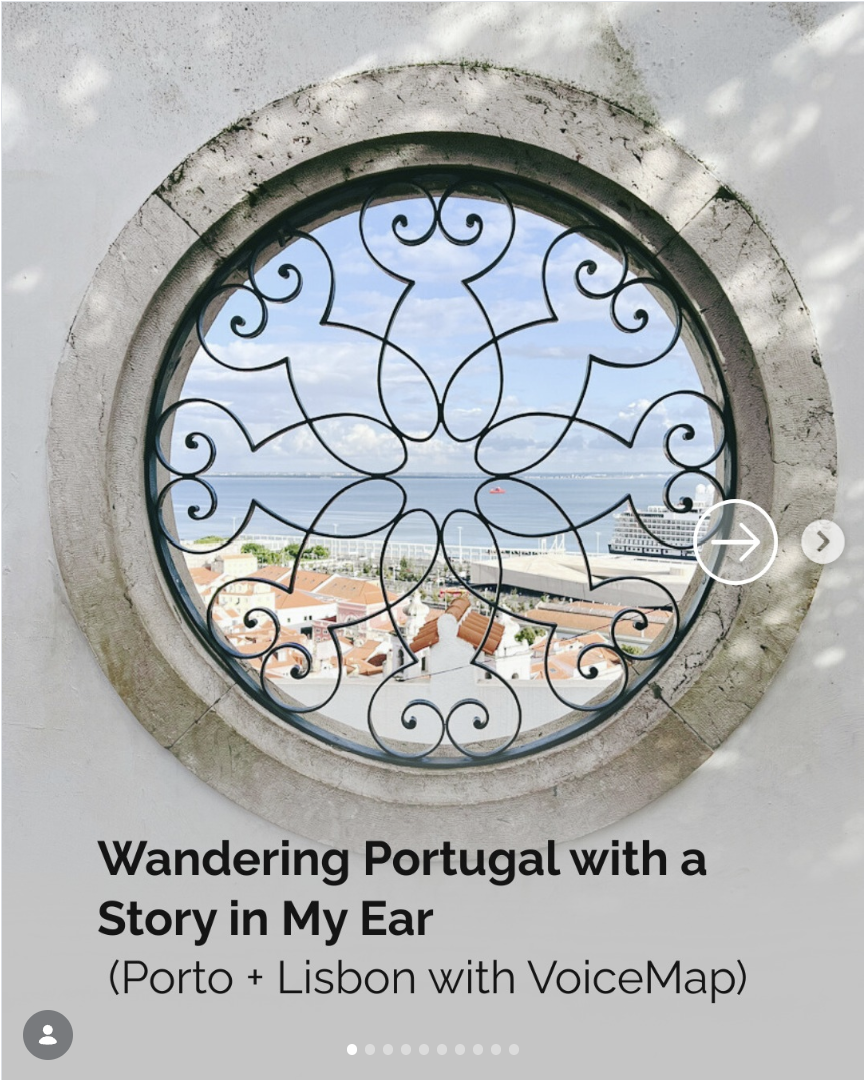
| Lead with curiosity | Show the user experience | Share the benefits |
How to describe VoiceMap
Your audience might not know what VoiceMap is, so it helps to have a clear way of explaining it. VoiceMap is a GPS audio tour app that lets travellers explore cities and attractions with local storytellers guiding them. Instead of following a flag-waving guide in a group, listeners download a tour, pop in their earbuds, and walk at their own pace while hearing the hidden stories behind the places they're passing.
A few things set VoiceMap apart, and they're worth weaving into your posts:
- Tours are created by local professionals, including historians, journalists, and podcasters.
- GPS triggers audio automatically as you walk, so there's no need to constantly check your phone.
- Listeners can pause anytime to grab a coffee, take photos, or explore a side street.
- Tours work offline, which makes them ideal for international travellers avoiding data charges.
- There are more than 2,000 tours across 80 countries, created by over 700 publishers.
The goal isn't to list features, though. Show travellers discovering hidden stories, local secrets, and historical details they'd miss on their own. The feeling you're after is a knowledgeable friend whispering fascinating stories in your ear as you explore.
You can also use our tagline, "Curiously human self-guided tours". Curiously works two ways: these tours are driven by curiosity, and it's genuinely surprising, countercultural even, that they're made by real people.
General guidelines
- Stick to the platforms you know and where you already have a following. Don't create new accounts just for promoting your tours.
- Post consistently. See the planning section below for practical advice on how to do this without it taking over your week.
- Vary your content and type of posts to keep viewers engaged. Avoid using the same image, video, or caption too often.
- Always include a call to action at the end of your post. It's an effective way to tell viewers what to do next and turn them into buyers.
- Tag relevant accounts like local businesses and tourism boards. They may repost your content to their followers, which will boost your reach.
- Tag us in your posts. You'll find us at @myvoicemap on Instagram, facebook.com/myvoicemap on Facebook, @myvoicemap on TikTok, and @VoiceMapMe on YouTube.
Use our design pack
When you create your own graphics, use our design pack. It includes our logo, fonts, and colours, along with guidelines for putting them together. Posts that follow our design guidelines are much more likely to be reshared on VoiceMap's accounts, which puts your tour in front of our followers as well as your own.
Posting on your own accounts
Posting on your own accounts is a great way to showcase your tour and attract more listeners. Below you'll find tips on choosing the right images, creating compelling posts, and using tools to enhance your content.
Photos and text
- Choose captivating photos that showcase the experience or evoke positive emotions about the destination. Photos with interesting details or picturesque moments work well. Avoid photos that are too dark, too bright, or show messy or unappealing scenes.
- Share albums or galleries featuring locations and people from your tour. Pair them with captions that provide a glimpse into what listeners can expect.
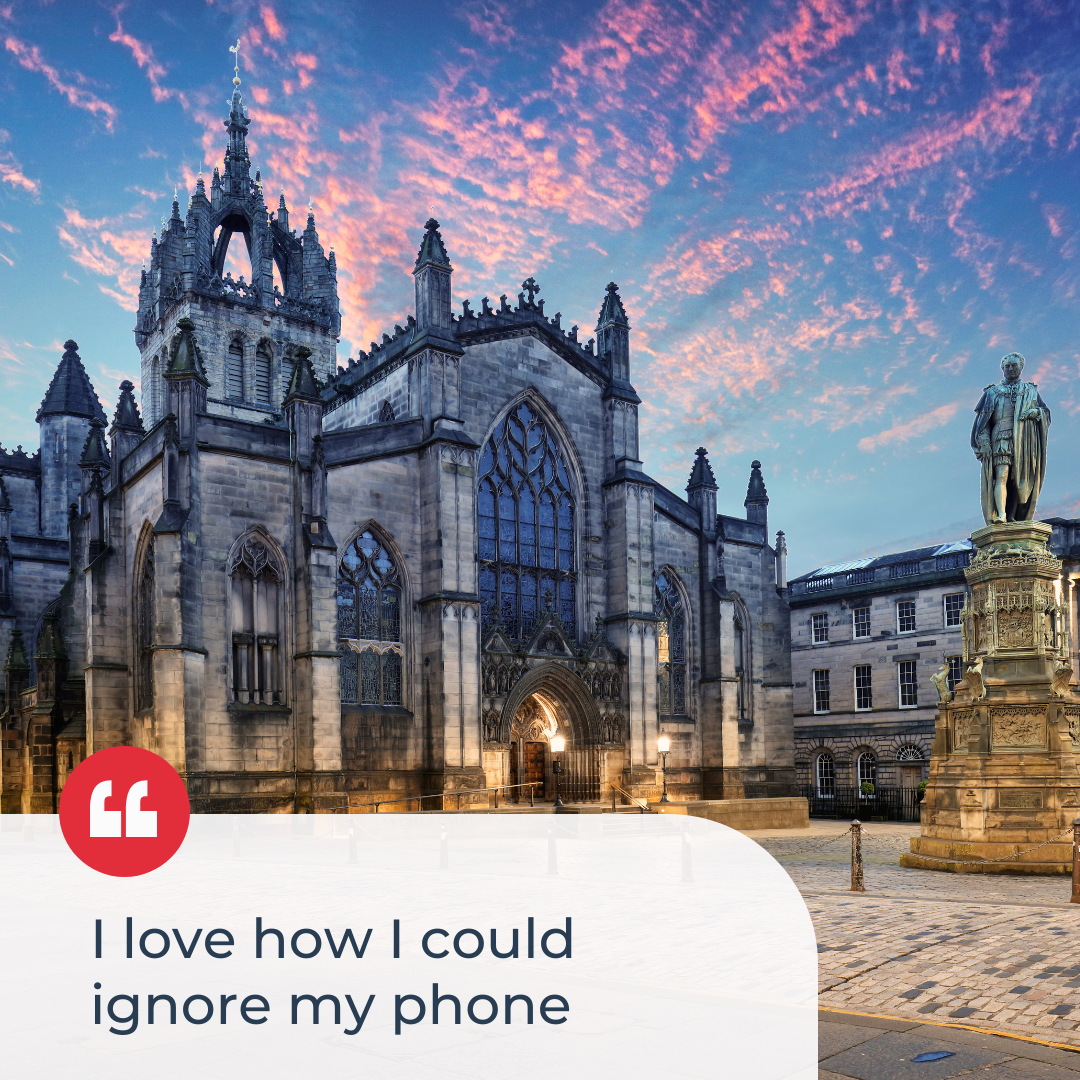
- Post testimonials and reviews, especially ones that highlight the experience.
- Experiment with single images and text overlays. Pull quotes from your script or notable facts about the locations to spark interest in your tour.
- Use tools like Canva to create polished, professional-looking posts that combine text and imagery – and build them with the logo, fonts, and colours from our design pack to improve your chances of being reshared.
- Share links to specific locations from your tour, especially if those locations have photos, like the featured location. This is described in more detail here.
- Use 3–5 relevant hashtags, mixing broad travel terms with niche ones specific to your subject. Try #travelgram, #exploremore, #traveldifferently, #selfguidedtour, and #VoiceMap, or use an online hashtag generator for additional ideas.
 |
 |
 |
|---|---|---|
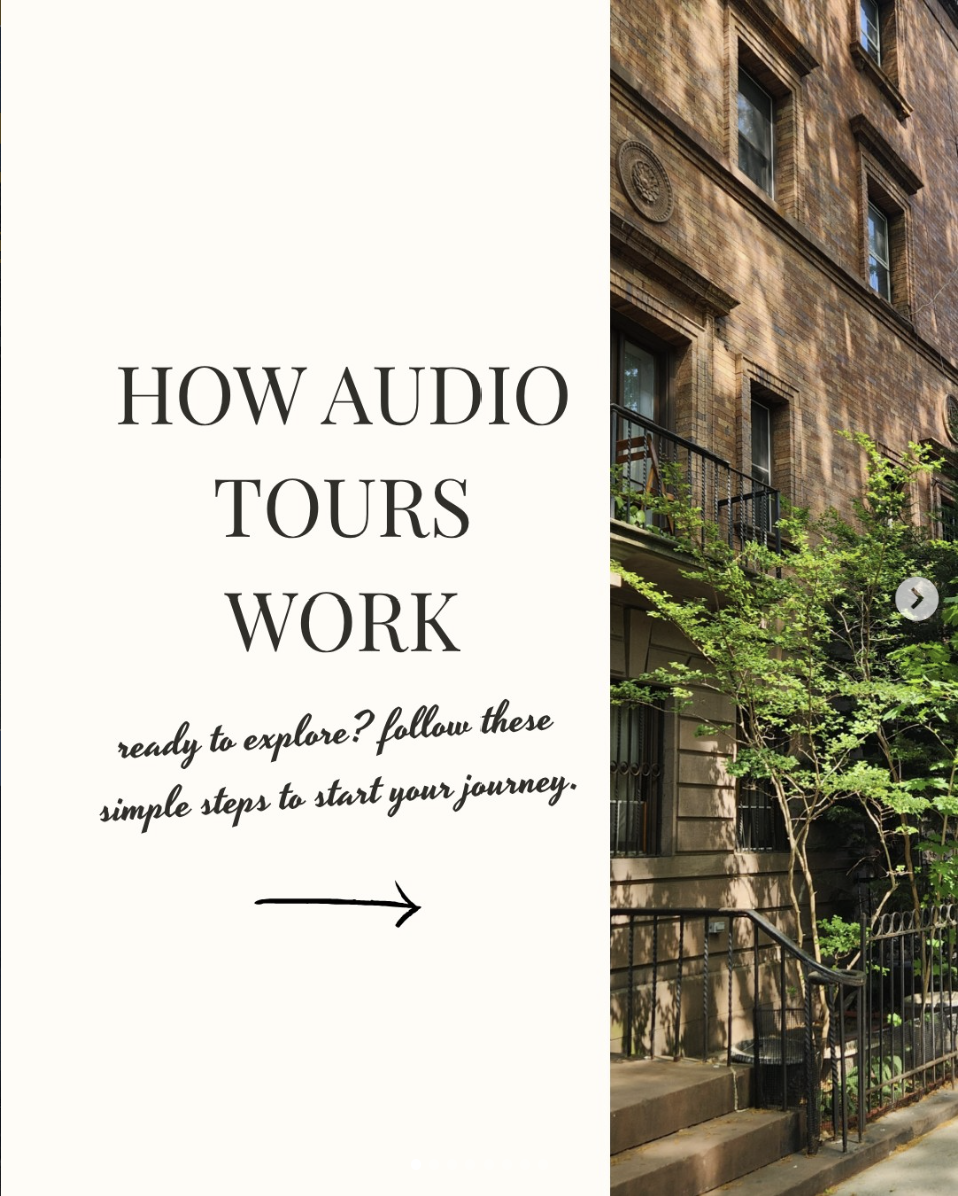
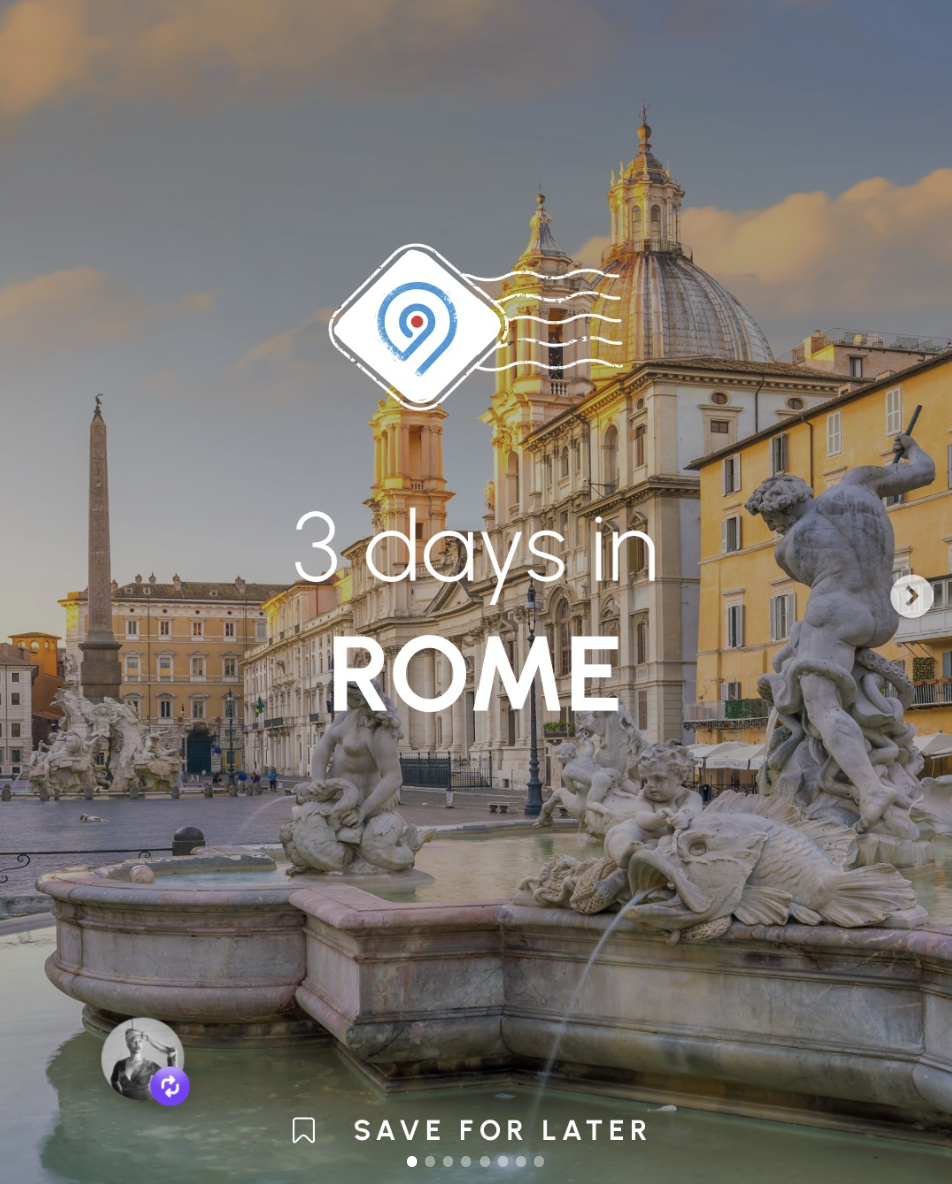
| Post positive listener reviews | Explain how audio tours work | Create city itineraries |
Short videos and reels
- Create engaging short-form videos featuring scenic visuals, snippets of your script, sound bites, or audio from your tour. Tools like Adobe Express, Canva, and InShot make this easy.
- Make longer, more in-depth videos like this one or this one for YouTube to take advantage of its discovery features.
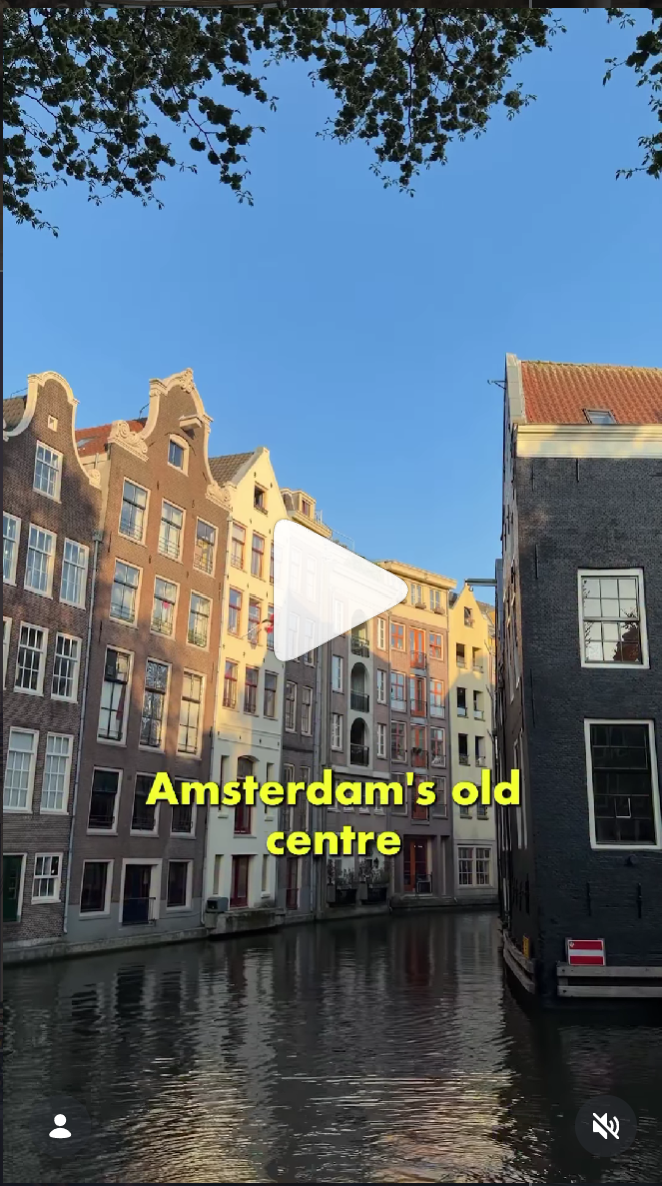
- Capture the tour experience in action by including clips of iconic stops or unique perspectives. Add captions to emphasise key details, like we did here.
- Create "Behind the Scenes" content where you share what inspired your tour, fun facts, and insider tips.
 |
 |
 |
|---|---|---|
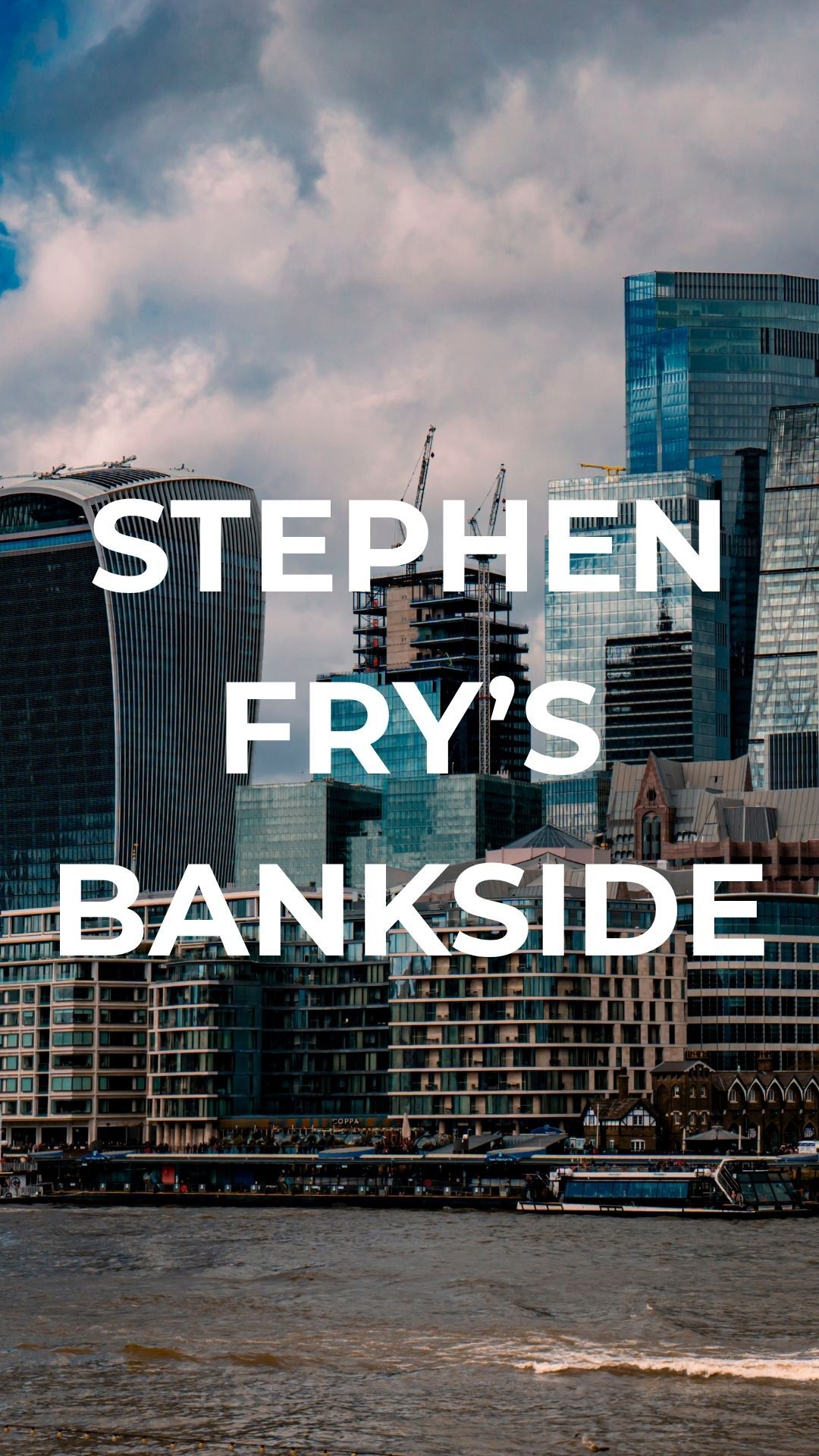
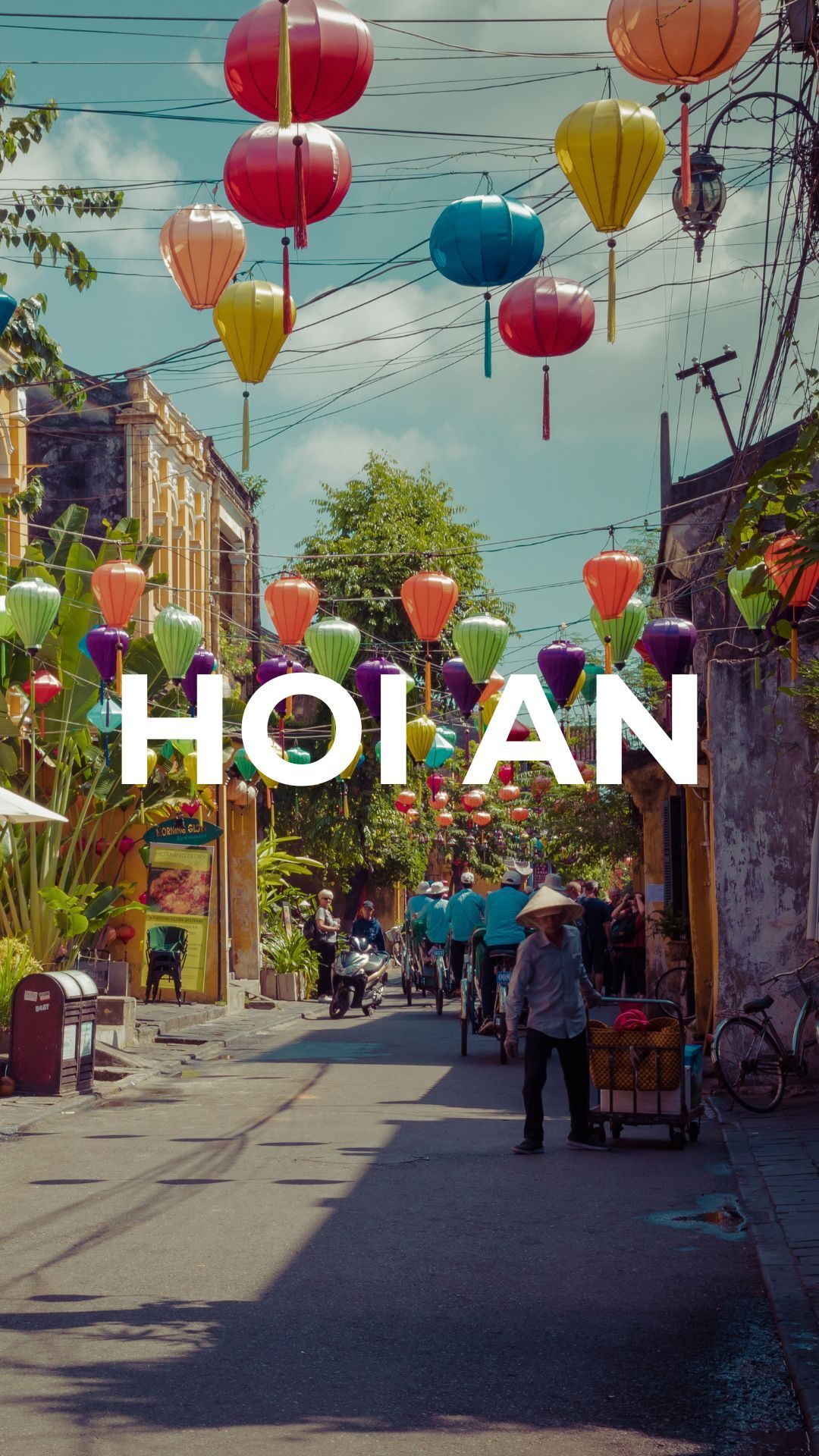
| Capture the tour experience | Highlight unique stories | Include visually striking stops |
Platform-specific tips
Each platform rewards different things, and understanding the basics of each one will help your content go further.
Instagram is built around visual storytelling. Use reels for short-form video – they get significantly more reach than static posts – and put your tour link in your bio so you can point to it in captions and on screen. Reshare feed posts to your stories to catch followers who scroll past the main feed.
TikTok rewards content that hooks viewers in the first three seconds. Open with something that stops the scroll – a surprising fact, a question, or a striking image – before you introduce the tour. Using trending audio can also give your videos an algorithm boost, even if it's playing quietly in the background.
Facebook has a large travel-interested audience and works well for photo albums, testimonials, and video. Upload video directly rather than sharing a YouTube link, since native video performs better in the algorithm. Sharing from your business page to your personal profile is also worth doing consistently.
YouTube is the world's second most popular search engine, so optimise for discovery. Your title and thumbnail drive clicks more than anything else. In your description, include keywords like "self-guided audio tour" and the name of your destination, and link to your tour page. Longer content works well here, like a behind-the-scenes video or a walk-through of a key stop that gives viewers something worth watching.
Algorithms change frequently. To stay current, it's worth following platform-native sources: Adam Mosseri (Instagram's head) posts regularly on Instagram, and newsletters like Geekout and ICYMI cover use-to-use social media strategy.
 |
 |
 |
|---|---|---|
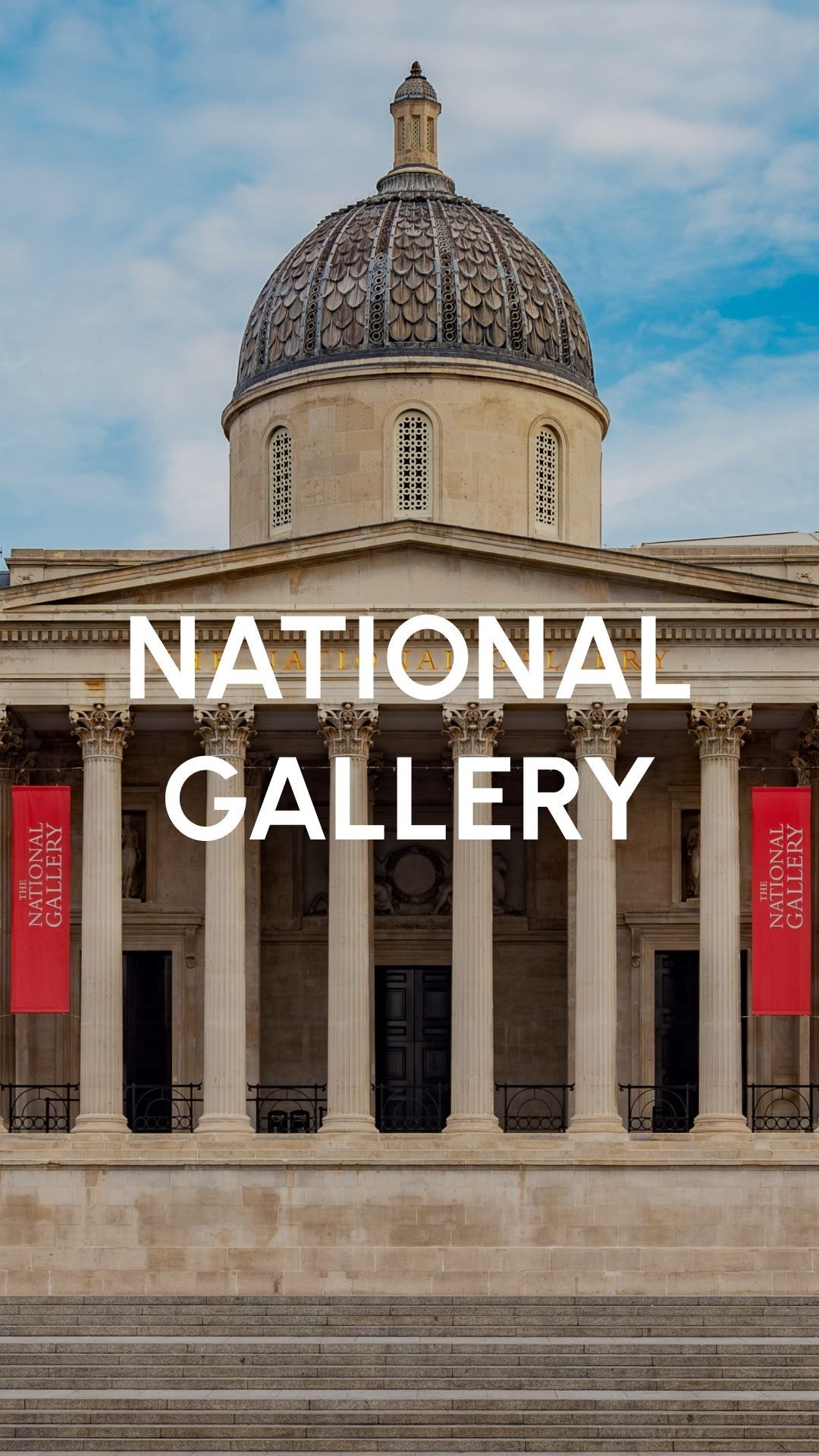
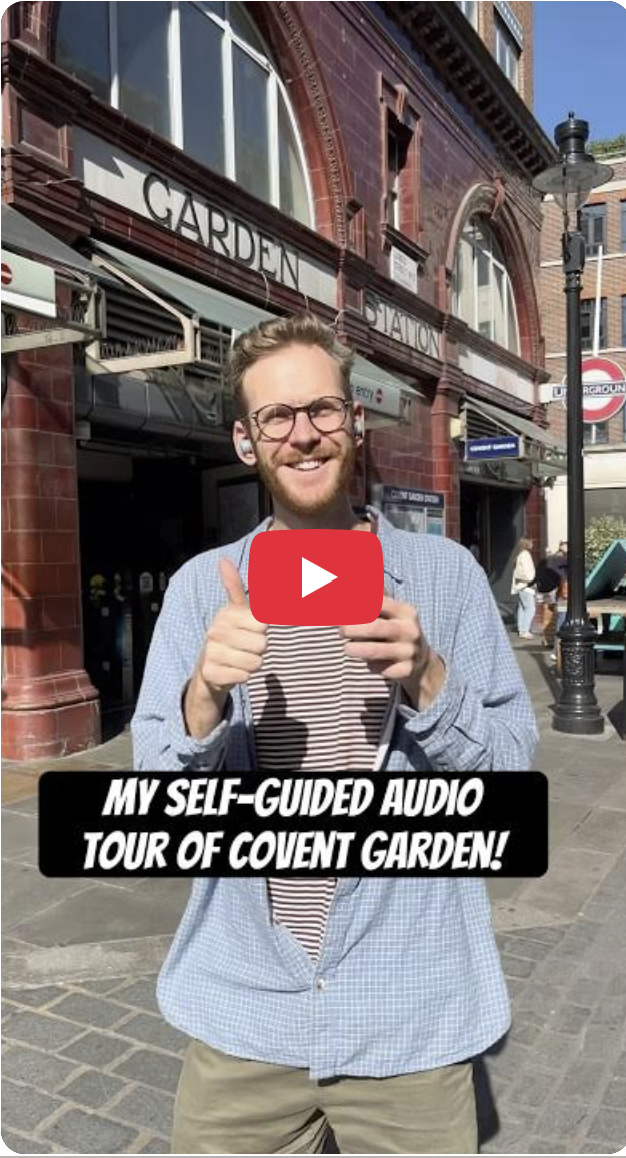
| Show unique experiences | Hook your audience | Use “self-guided audio tour” |
Planning your content
Consistency matters more than volume. Posting once or twice a week and keeping to it will serve you better than posting daily for a fortnight and then going quiet.
Think in themes drawn from your tour's subject matter – each theme can generate multiple pieces of content across formats. A single story from your script might become a caption, a short reel, and a behind-the-scenes post about how you researched it. Batching your content – writing several captions or filming several clips in one session – makes it much easier to stay consistent without spending time on social media every day. A scheduler like Meta's built-in tool for Facebook and Instagram, or a tool like Monday.com or ClickUp, can help you plan ahead and post at the right time without having to be online.
If you're filming your own content, a few practical pointers help:
- Shoot clips that are at least 15 seconds so there's plenty to work with.
- Include a mix of close-ups, mid-range, and wide shots.
- Make sure the lighting is good – avoid overly dark or harshly bright footage.
- Keep the camera steady to minimise shaky footage.
- Showcase as much scenery as possible.
- Shoot in portrait mode rather than landscape.
- Get creative and have fun!
A few mistakes to avoid:
- Don't look directly into the camera unless intentional.
- Avoid filming shadows that could get in the way of your shot.
- Skip messy or construction-heavy areas.
- Don't use your kids or grandparents in the videos.
Collaborating with us on social content
We love teaming up with publishers to bring tours to life on social media, whether that's us creating something for your tour, or you letting us know about content you're creating.
Any content that we share as VoiceMap goes out to over 20,000 followers, so we're selective about what we post. It needs to match the formats below and feel like a natural fit for that audience, not a once-off that stands out for the wrong reasons. While we review every request individually, we can't say yes to all of them, but the more detail you share about your idea, the easier it is for us to tell whether it'll work.
VoiceMap's tried and tested social media content formats:
Collaborations are much easier for us to accommodate when they use one of these formats, but if you have a large audience, we're happy to look at other formats.
Please use this form to tell us more about what you have in mind and we'll then let you know what we need from you.
We'll also tag you in anything we post, so be sure to update your social media handles on your publisher profile.